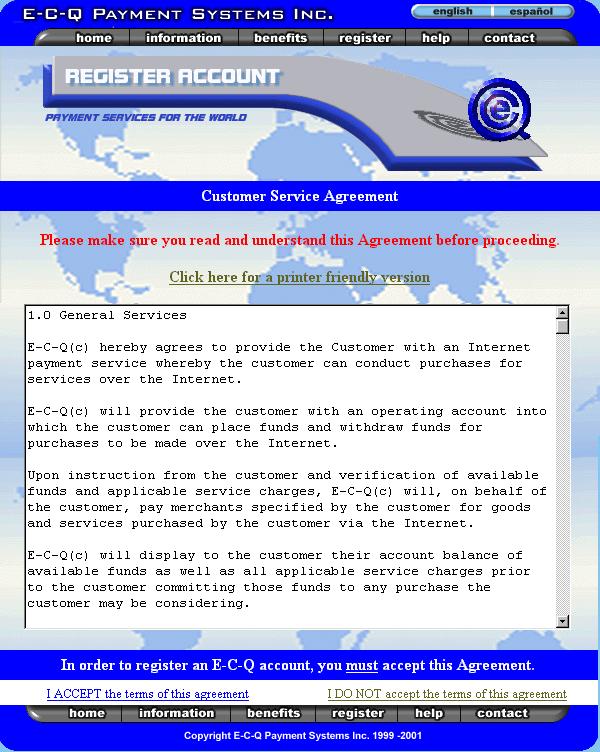
Read and sign the agreement.
Open an E-C-Q account
|
|
Read and sign the agreement. | The agreement establishes how E-C-Q and the customer will work together. |
|
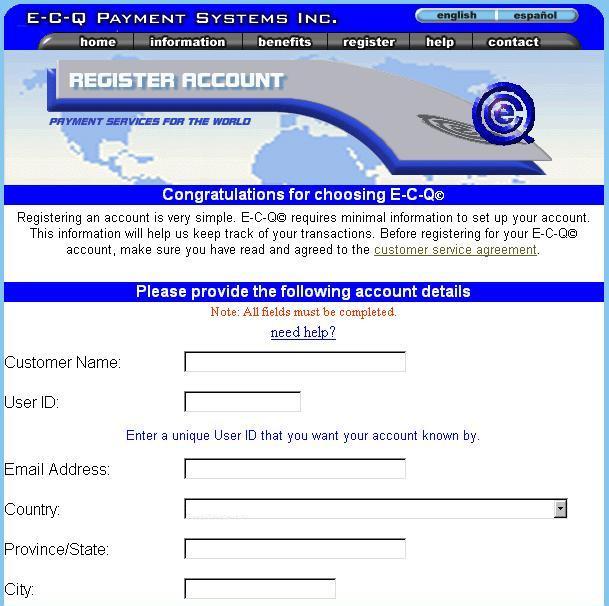
Fill in the facts. |
This is a simple registration form. E-C-Q considers your e-mail address to be your virtual address. |
|
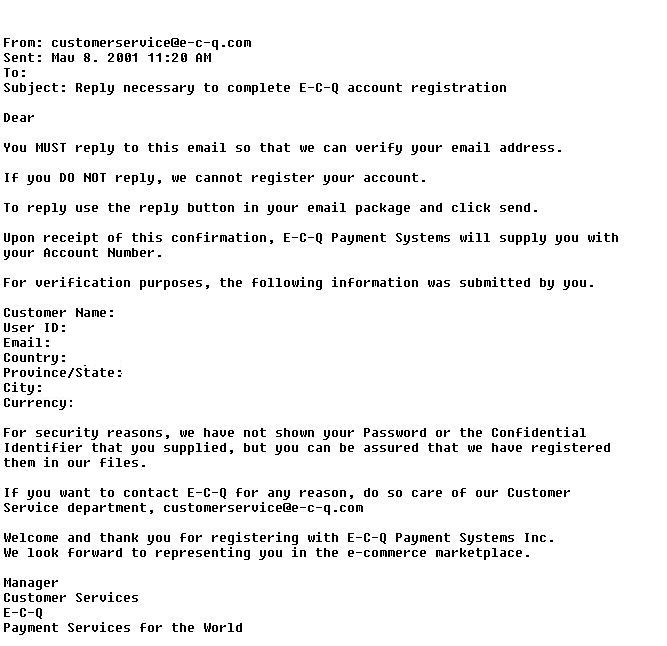
Reply to your email. |
IMPORTANT STEP Before confirming your account E-C-Q must verify your e-mail address is accurate. Two letters are sent to you the customer to confirm your request and validate your e-mail address. |